Product tables that look like they belong in your store

Create specification and comparison tables using your existing product data and metafields, styled to match your storefront and built to work on any device.
What's included

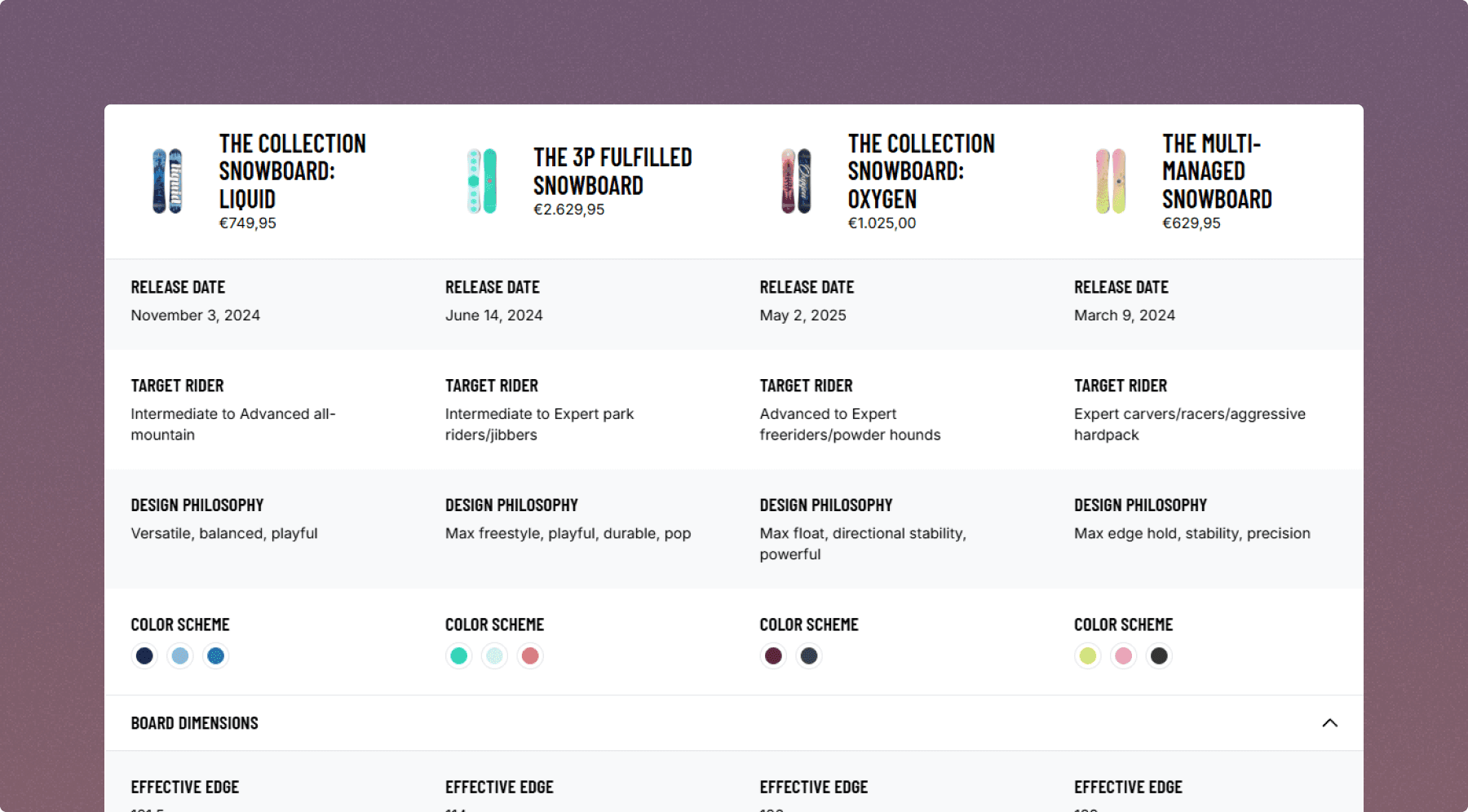
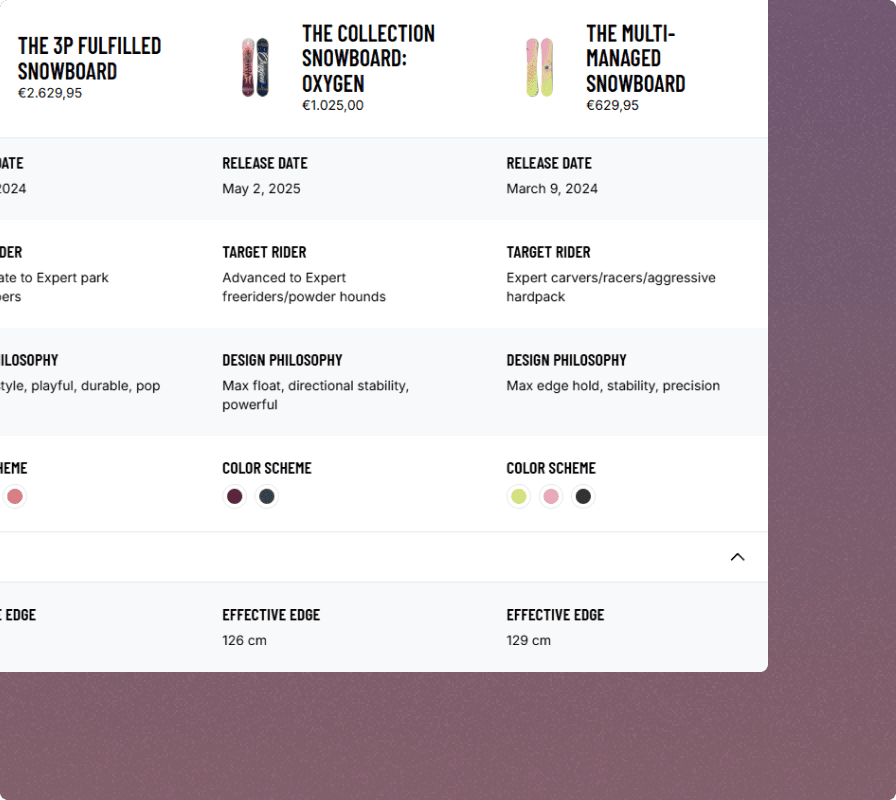
Specification and comparison tables built around your existing product data

Use your native Shopify product fields and metafields to build tables that display exactly what your customers need to make a decision, without touching a single line of code.
Mobile-first layouts

Tables adapt to any screen size with smooth collapsible and scrollable layouts built for mobile.

Learn more

Mobile-first layouts

Tables adapt to any screen size with smooth collapsible and scrollable layouts built for mobile.

Learn more

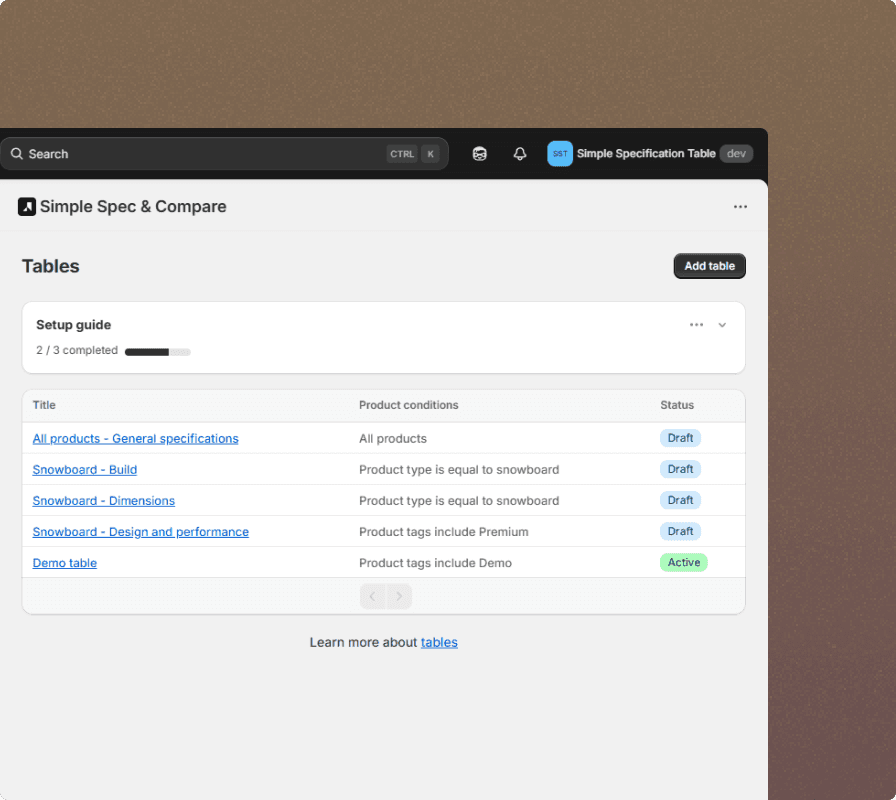
Tag-based display rules

Assign tables to the right products automatically using tags, no manual product-by-product setup required.

Learn more

Tag-based display rules

Assign tables to the right products automatically using tags, no manual product-by-product setup required.

Learn more

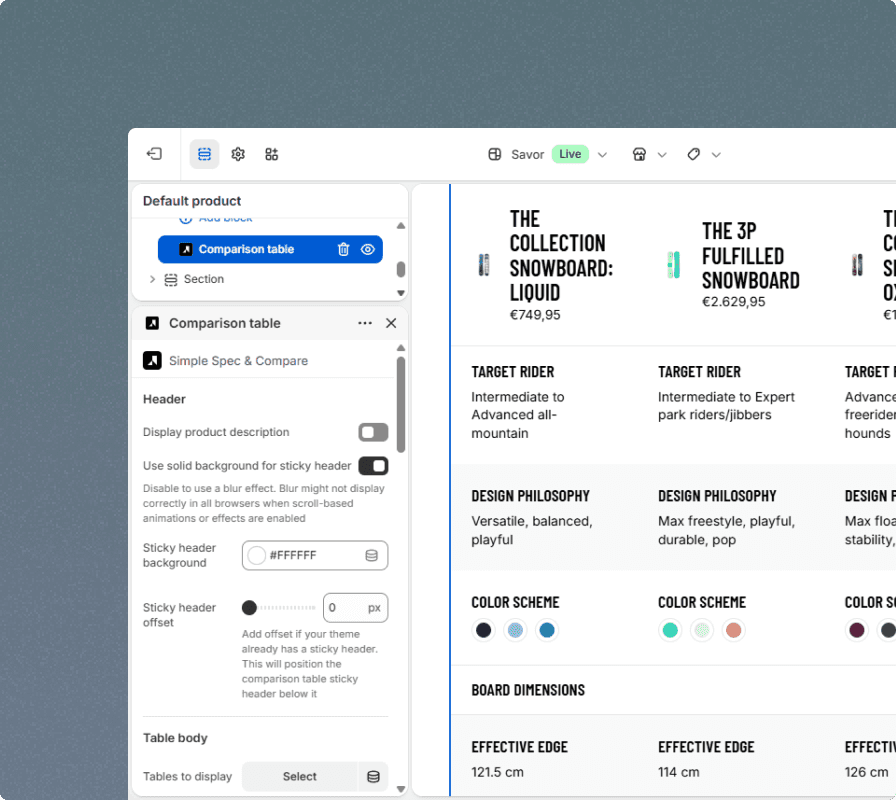
Full style customization

Match your table styles to your storefront so the app feels like a native part of your store.

Learn more

Full style customization

Match your table styles to your storefront so the app feels like a native part of your store.

Learn more

See what your product pages could look like

Get up and running in minutes, or book a demo and we'll help you set up your first tables before you commit.

Frequently asked questions

Common questions about Simple Spec & Compare

Can't find what you're looking for? Book a demo and we'll walk you through everything.

Is there a free plan?

What is the difference between Standard and Plus?

Which product data can I use in my tables?

Can I assign different tables to different products?

Will the tables look good on mobile?

Can I customize the look of the tables?

Stay in the loop

The latest guides, workflow tips, and product updates, delivered straight to your inbox.

© 2026 Silfenworks

Stay in the loop

The latest guides, workflow tips, and product updates, delivered straight to your inbox.

© 2026 Silfenworks

Stay in the loop

The latest guides, workflow tips, and product updates, delivered straight to your inbox.

© 2026 Silfenworks